
ArtCut
Free with ads · Paid ad-free local editor
Import clips, arrange a timeline, trim, split, change speed, reverse clips, add transitions, captions, overlays, audio adjustments, and export polished videos from iPhone or iPad.

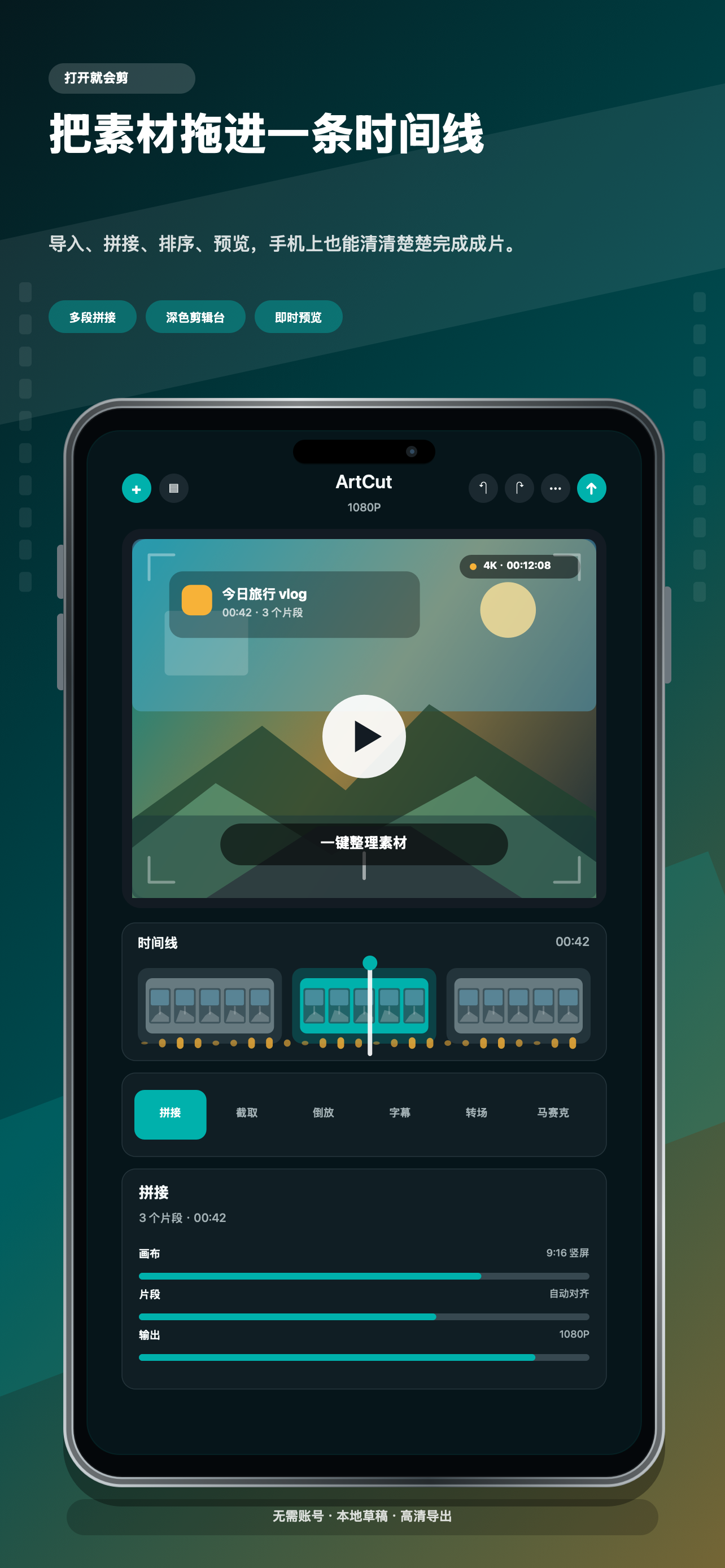
Timeline editing
Stitch multiple clips, trim, split, reverse, rotate, flip, add borders, and adjust playback speed.
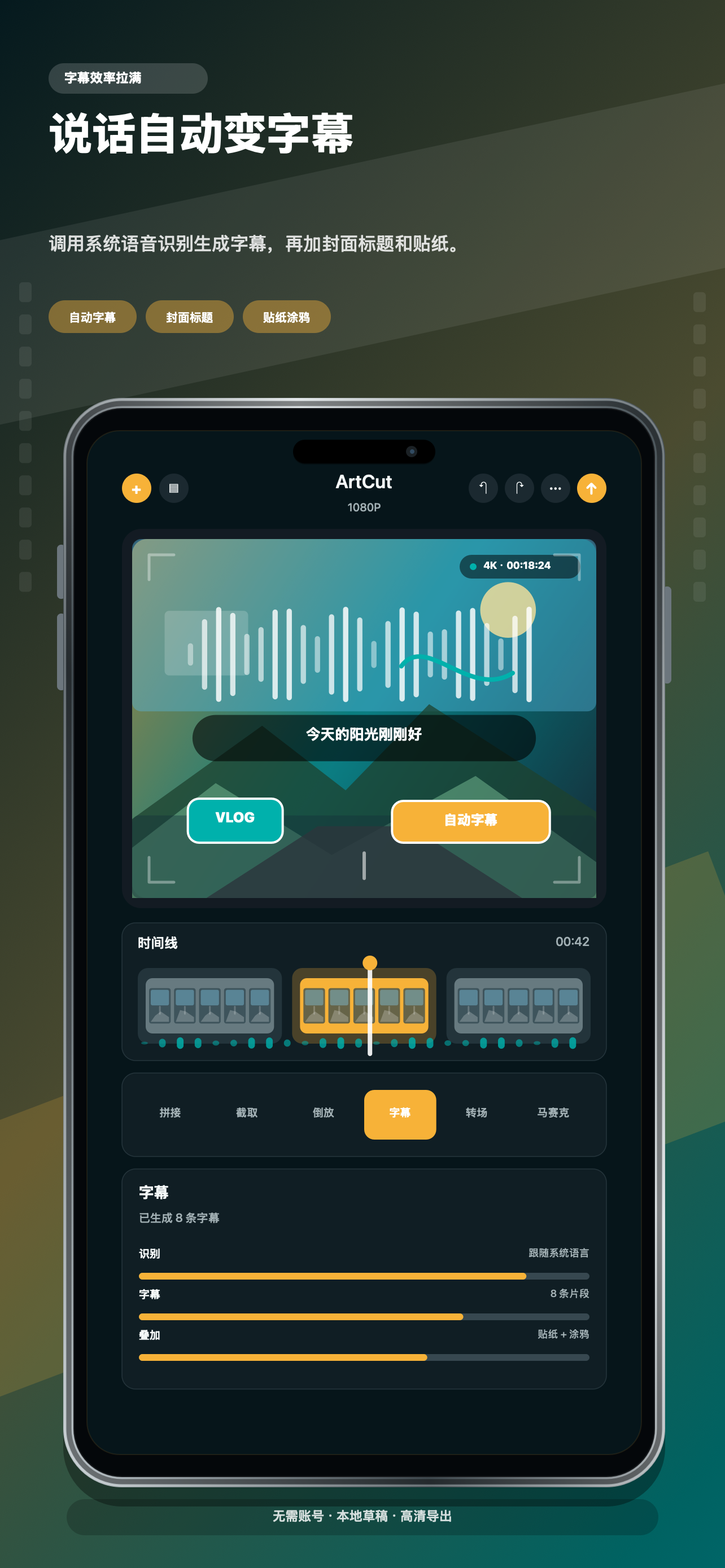
Captions and overlays
Add captions, stickers, cover titles, doodles, mosaic areas, and picture-in-picture frames.
Free and paid editions
The free edition can show Yandex Mobile Ads with Google/AdMob mediation after App Tracking Transparency status is resolved. Banner, native/feed, interstitial, and app-open ad requests are gated. The paid edition is ad-free and does not initialize advertising SDKs.
Screenshots
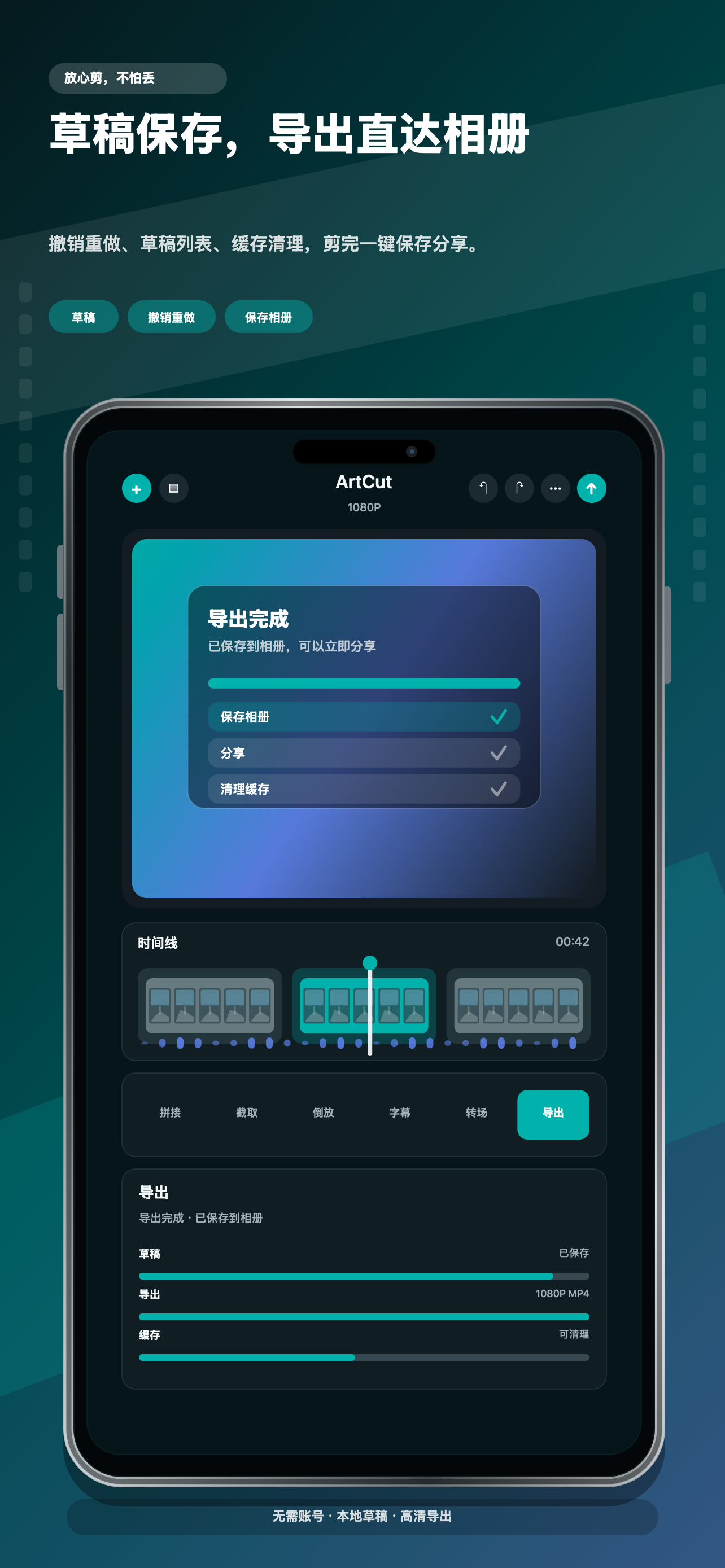
Current screenshots show timeline editing, automatic captions, and export workflows.
Local-first Workflow
ArtCut does not require an account. Imported media, drafts, generated renders, extracted audio, and caches are stored on device by default. Users control export and sharing.