SpellVPN
Pro paid no ads · Ultra free with ads + subscription
Import your own sing-box JSON, Clash/Mihomo YAML, subscription URL, proxy link, QR code, clipboard content, local file, Wi-Fi upload, or URL scheme, then start an iOS Packet Tunnel in one tap.

Import options
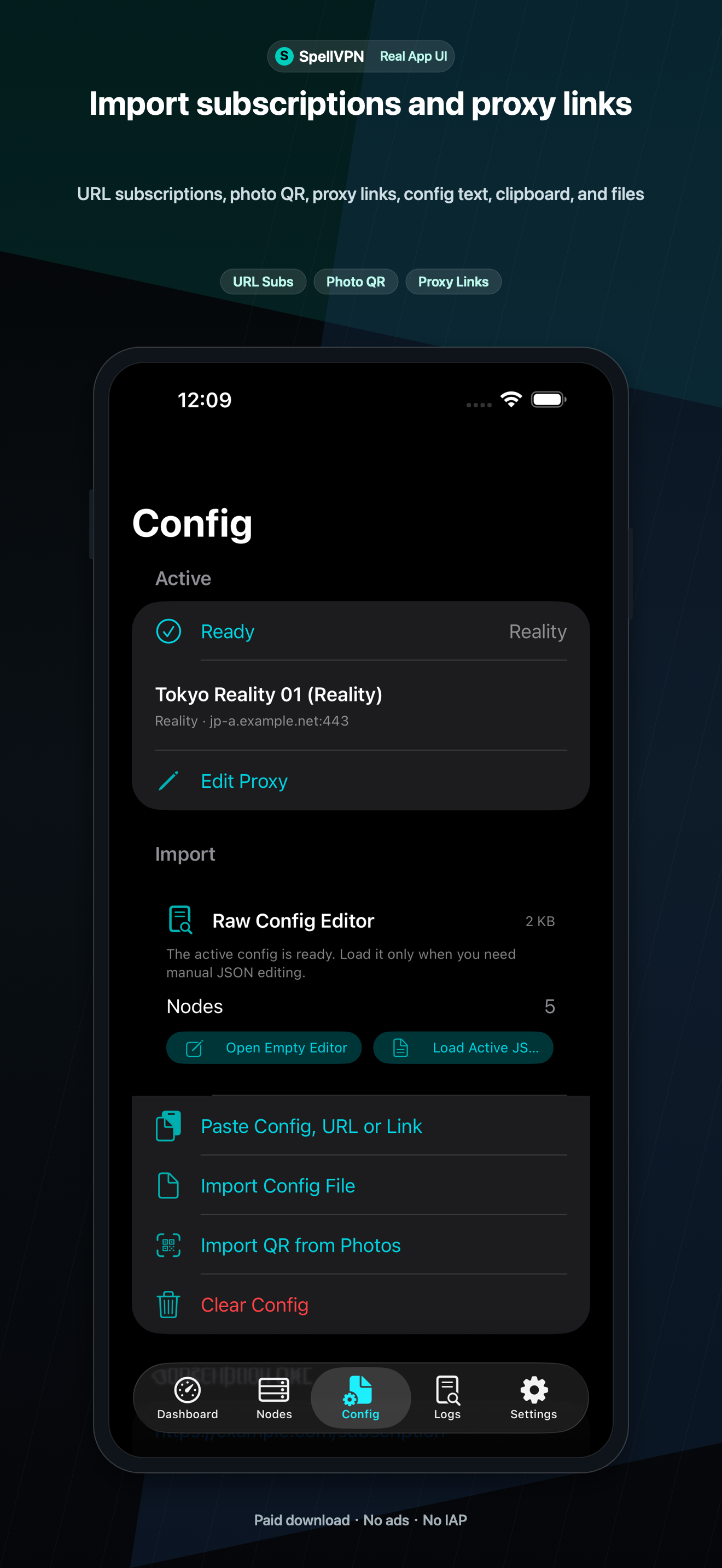
Use QR scan, photo QR, clipboard, Files, Wi-Fi Upload, subscription URLs, proxy links, and URL schemes. Supported inputs include sing-box JSON, Clash/Mihomo YAML, Base64 URI lists, SIP008, Surge, Quantumult, Shadowrocket-style text, and common proxy links.
Nodes and subscriptions
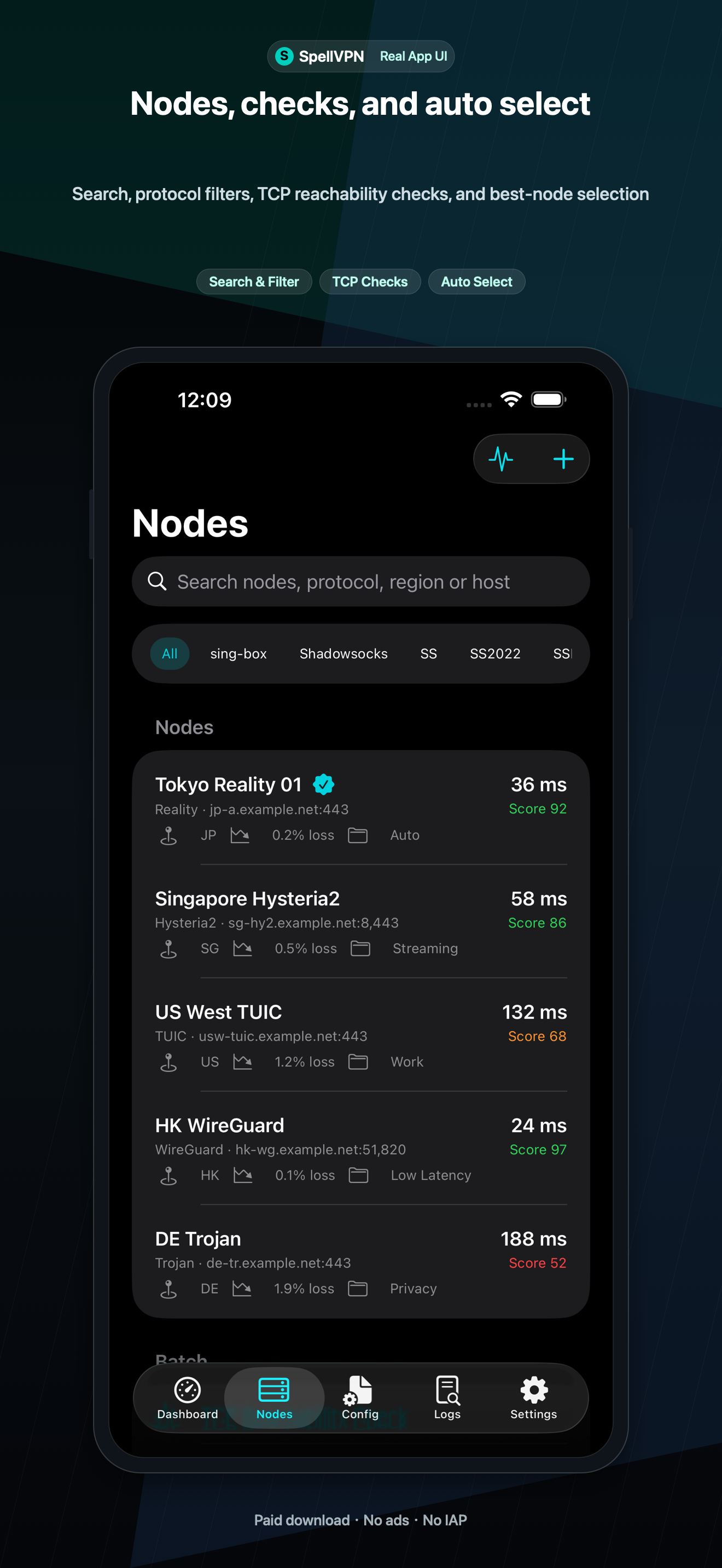
Manage saved subscription URLs, update or copy them, choose nodes, edit real proxy outbounds, export a single node as JSON, and show node QR codes.
Profiles, tools, and widgets
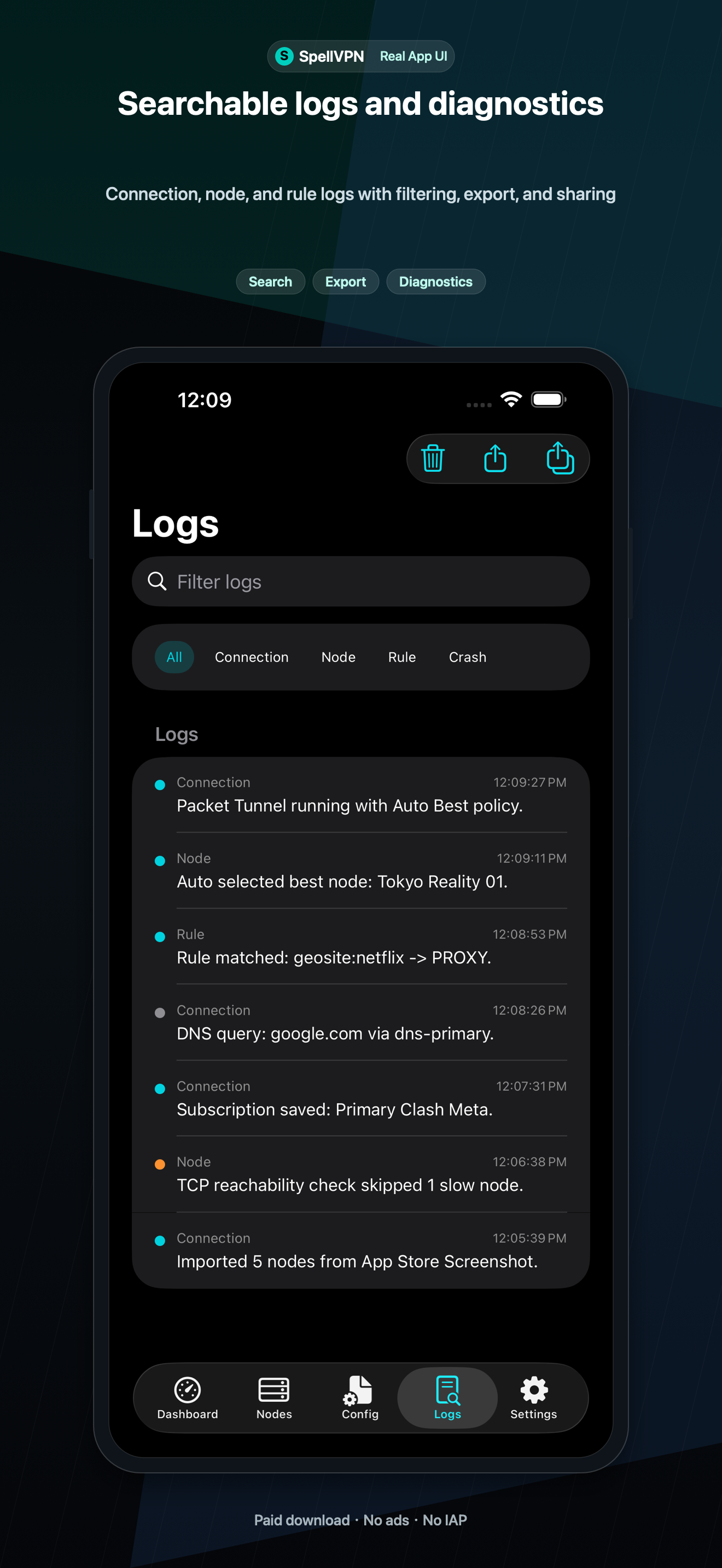
Use connection profiles, VPN pause, privacy filters, DNS management, Network Tools for TCP Ping, DNS, IP, Whois, GeoIP, TLS, HTTP, TCP/UDP, IPv6, and speed tests, Home/Lock Screen widgets, basic App Shortcuts, local logs, diagnostics, JSON export/import, and iCloud Drive backups.
Pro and Ultra
Pro is a paid download with no ads or in-app purchases. Ultra is free with Yandex/AdMob ads; auto-renewing subscriptions remove ads and unlock Ultra features.
Screenshots
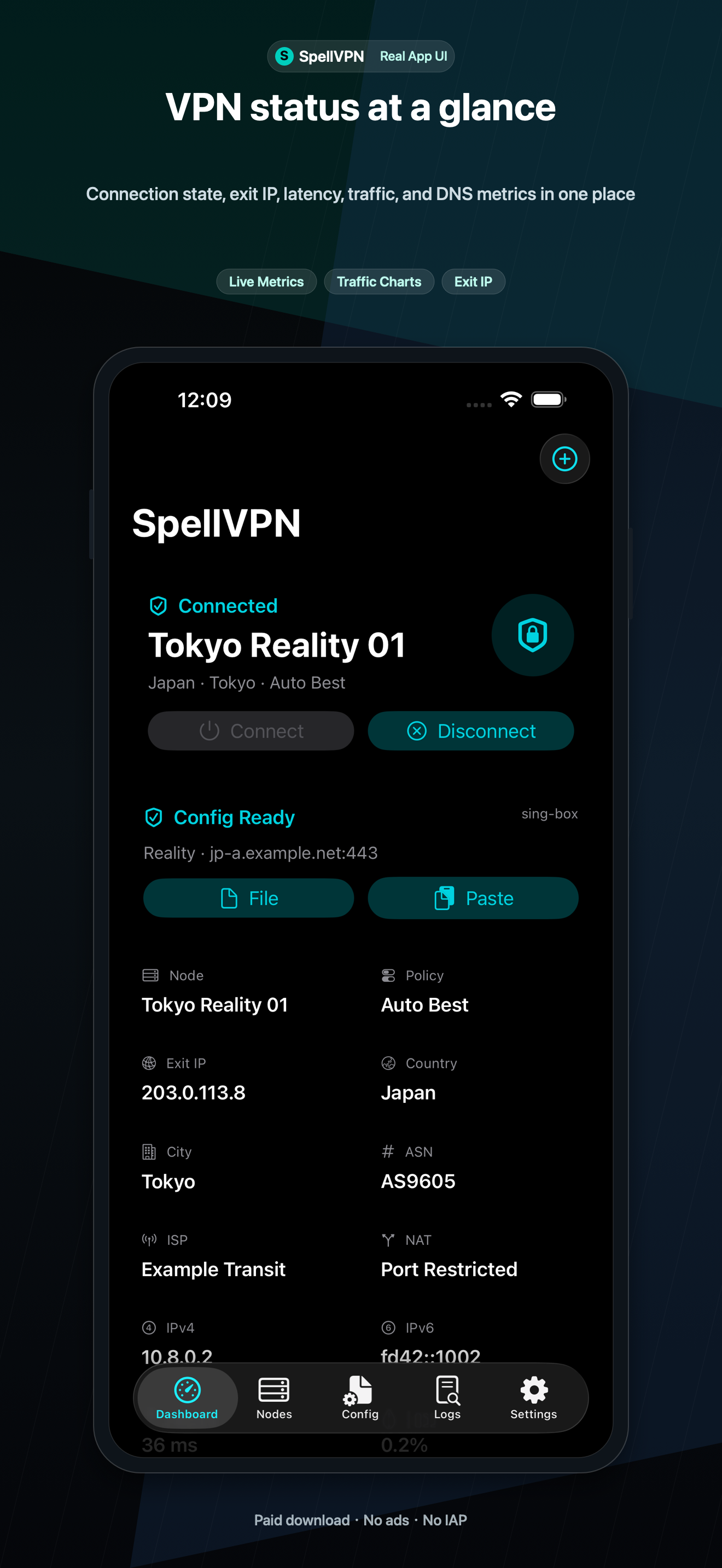
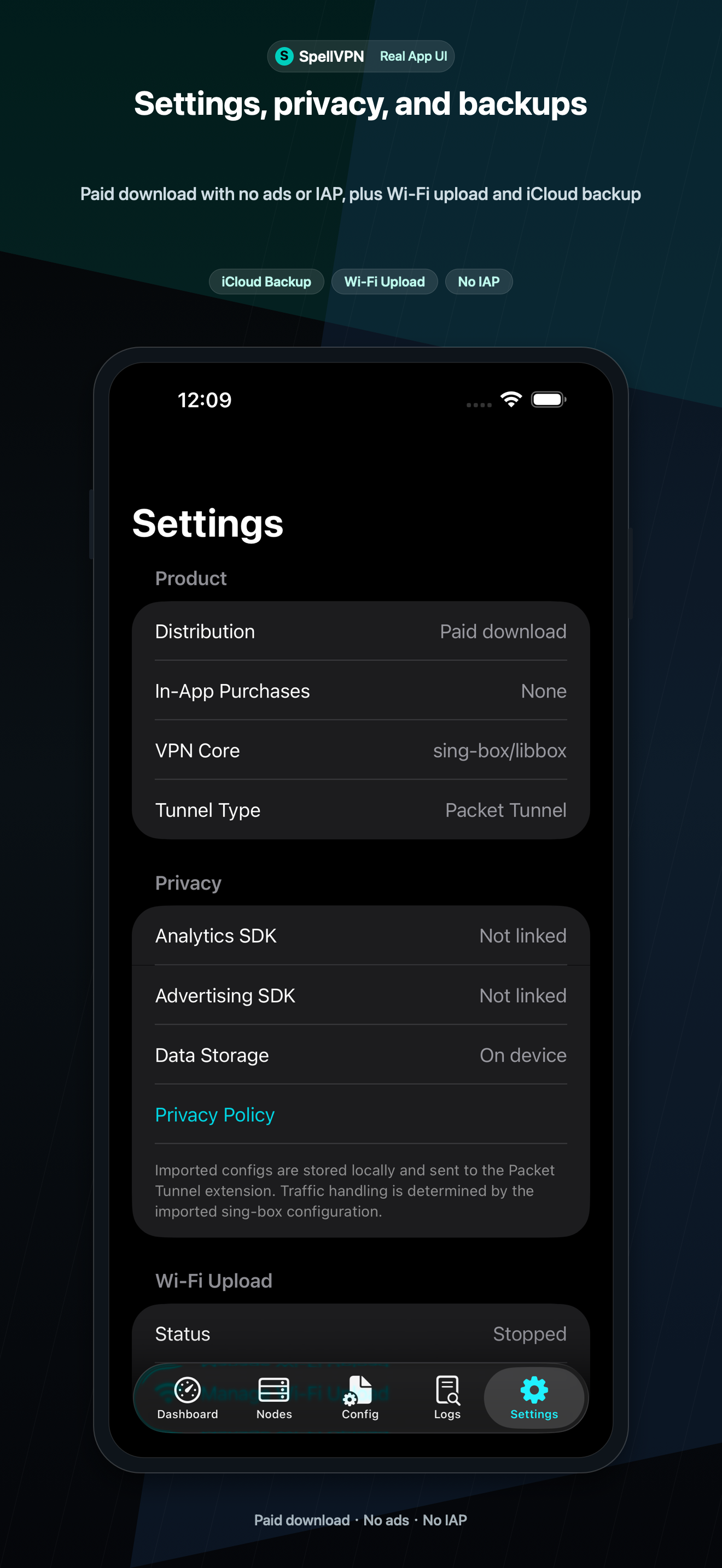
Current App Store screenshots show the dashboard, import flow, and configuration controls.
Important Boundaries
SpellVPN does not sell proxy nodes or host user traffic. Connection quality depends on the configuration, server, and network selected by the user. The current build includes status widgets and basic App Shortcuts, but does not advertise background VPN connect/disconnect through Shortcuts, MITM, rewrite scripts, Apple TV/tvOS, Live Activities, Apple Watch, raw ICMP ping, traceroute, WebRTC leak testing, native OpenVPN, or native WireGuardKit.