1
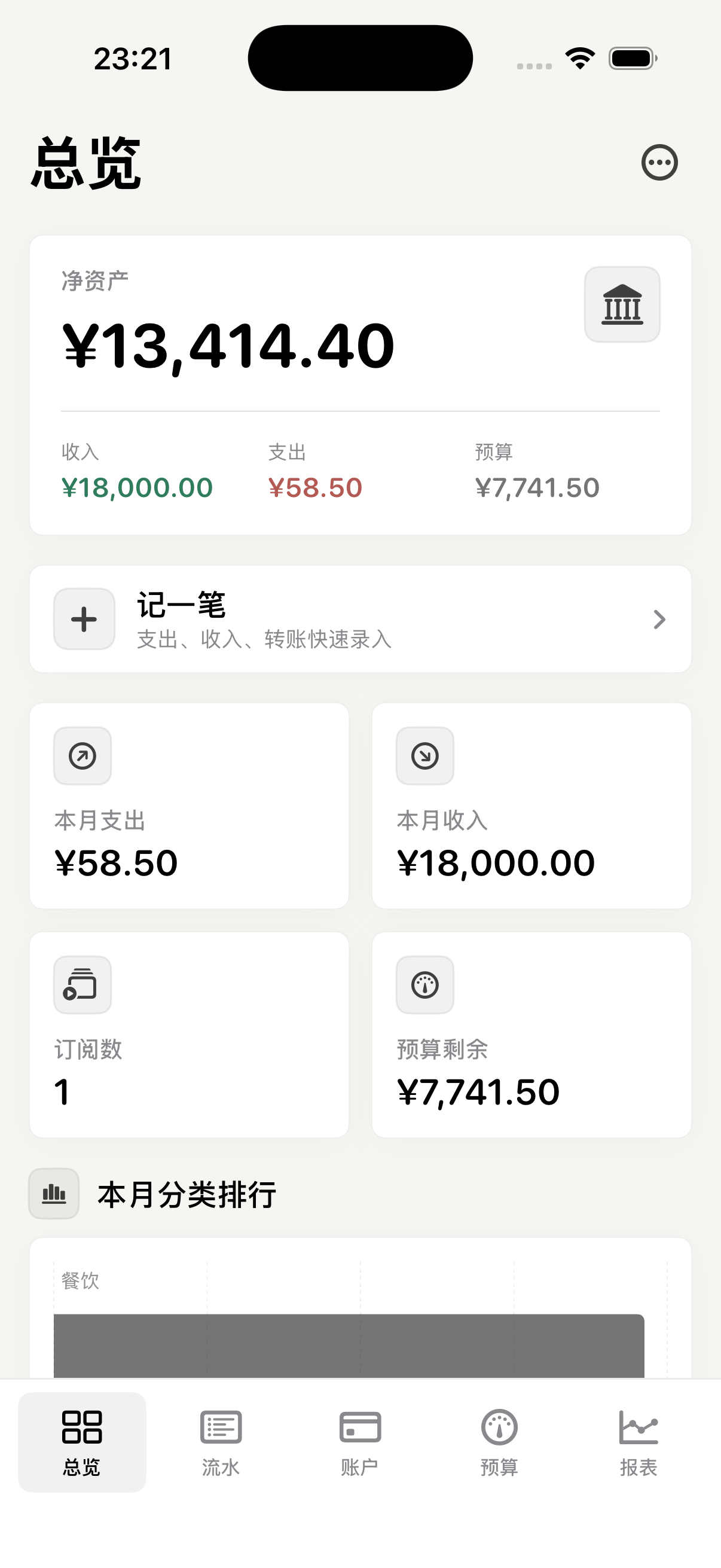
Set Up Your Ledger
- Create a ledger for a person, family, project, or business scenario.
- Add accounts such as cash, bank cards, credit cards, deposits, loans, or other assets and liabilities.
- Organize categories, tags, merchants, projects, and members before recording daily transactions. Current advanced features are free; there is no StoreKit product, membership tier, Pro subscription, or paywall.
2
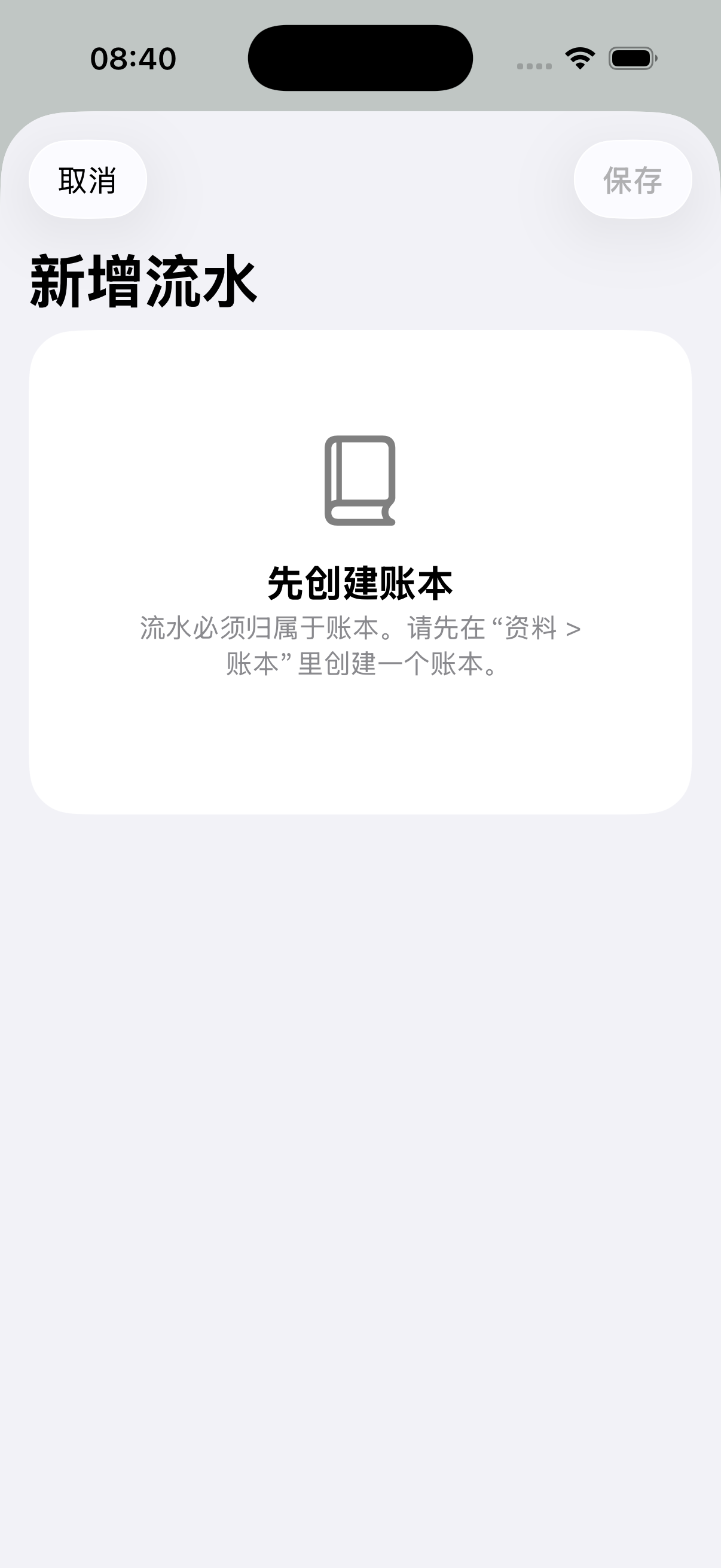
Record and Review Transactions
- Add expenses, income, transfers, refunds, reimbursements, loans, installments, fees, or balance adjustments.
- Attach notes and receipt images when they help explain a record, and use local Vision OCR for receipts or bills you choose.
- Use dashboard cards, category rankings, merchant rankings, net-worth details, and trend charts to review spending and assets.
3
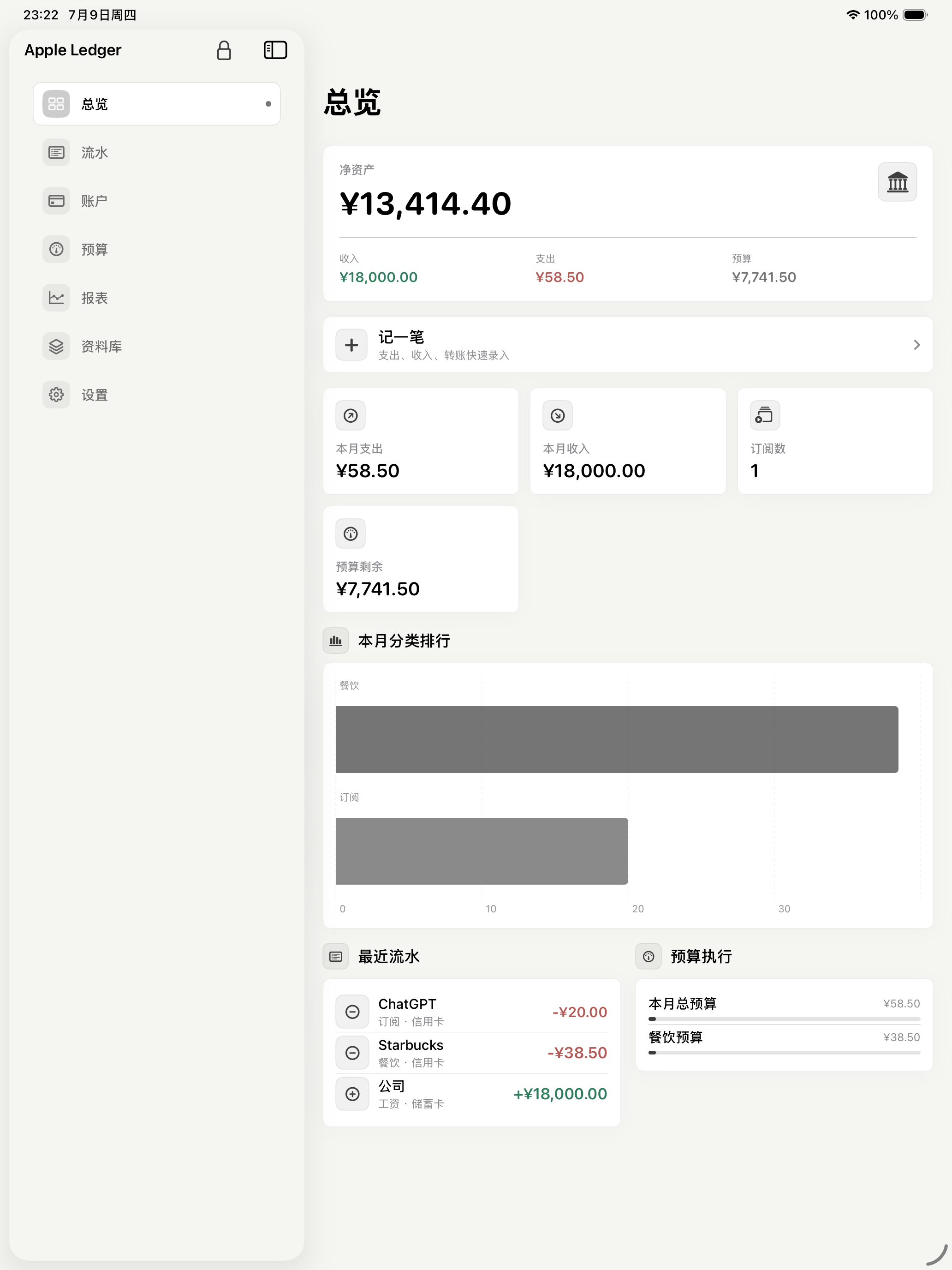
Budgets, Recurring Bills, and Reminders
- Create budgets by month or category, then review progress and threshold reminders.
- Use recurring templates and subscription items to track bills such as rent, services, memberships, and subscriptions you pay elsewhere.
- Grant notification permission if you want local reminders for subscriptions, recurring entries, budgets, deposits, credit cards, or installments.
4
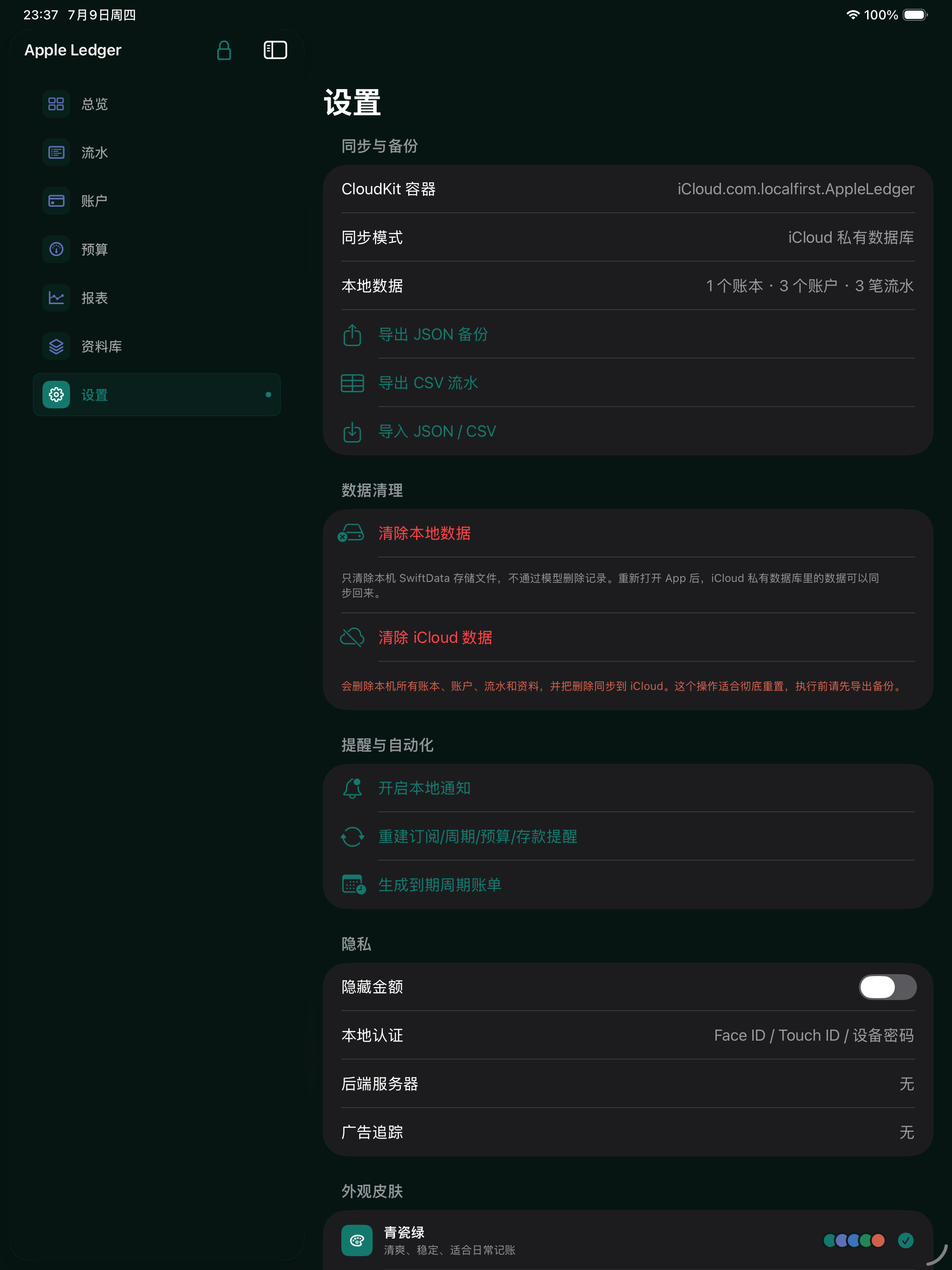
Privacy, Sync, and Backup
- Finance data is stored locally. Optional iCloud sync uses your private iCloud account through CloudKit. Shared ledgers use Apple system CloudKit Sharing invitations and roles, while Widget, Watch, and the main app share local data and preferences through App Group.
- Enable the privacy lock to protect the app with Face ID, Touch ID, or device authentication.
- Use JSON or ZIP backup and restore for full app data, including receipt images, or use CSV, Excel, OFX, QIF, and PDF workflows for imports, exports, and reports.
- Before release, validate final App Group, iCloud container, CloudKit Sharing, Widget/Watch quick entry, App Shortcuts, macOS menu bar quick entry, and remote-change notification behavior on signed devices or TestFlight.
For help, contact balamanigill@gmail.com.
Local financial records, no ads or paywall, optional private iCloud sync, App Group sharing for Widget/Watch, local OCR, notifications, and biometric lock.